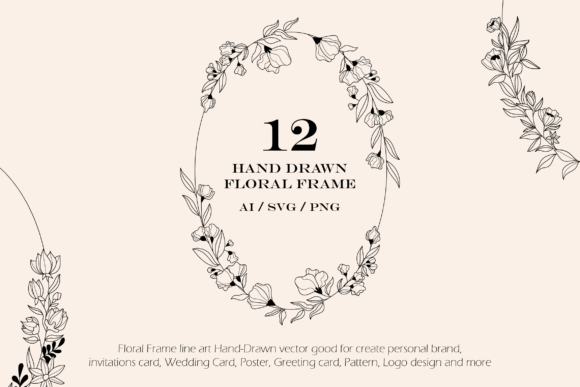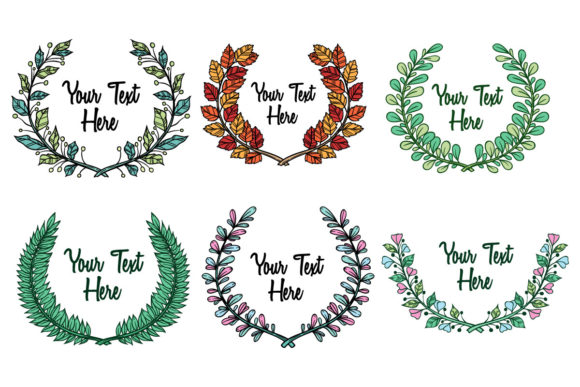
Autumn Wreath and Hand Drawn Floral Frame Vectors for Seasonal Design Projects
Every designer eventually faces the seasonal content deadline. A marketing team needs autumn-themed social graphics by Thursday. A wedding stationery client wants hand drawn floral elements for their November save-the-dates. An email campaign requires headers that feel warm and organic without looking like generic stock art. In these moments, having a well-organized collection of autumn wreath and floral frame hand drawn vectors eliminates the scramble and lets you move directly into composition and layout work.
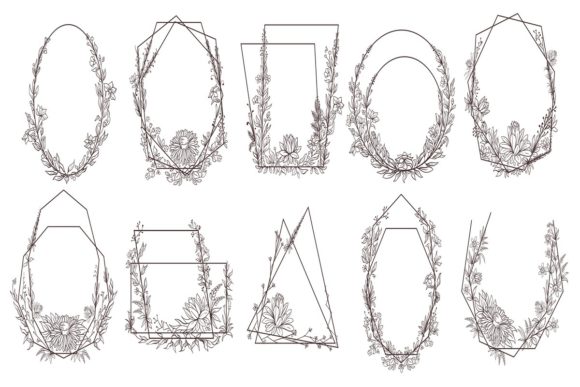
This particular resource pack delivers 100 hand drawn vector elements built around autumn wreaths, floral frames, and botanical motifs. The files arrive in three formats: .AI for native Adobe Illustrator editing, .EPS compatible back to Illustrator 10 for broad software support, and .JPG for quick placement or preview. The color space is RGB, which makes these assets immediately ready for screen-based projects like social media, landing pages, digital invitations, email headers, and presentation slides.
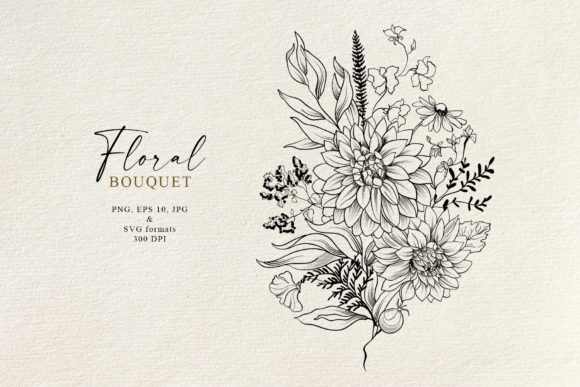
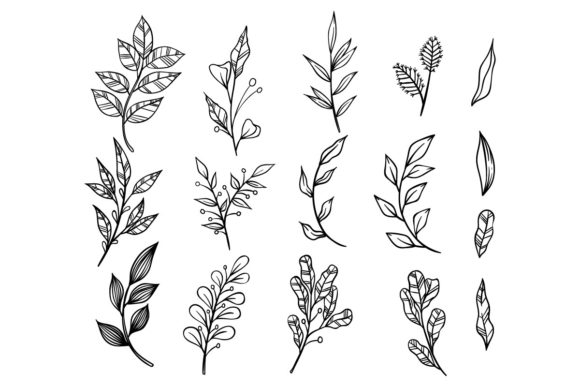
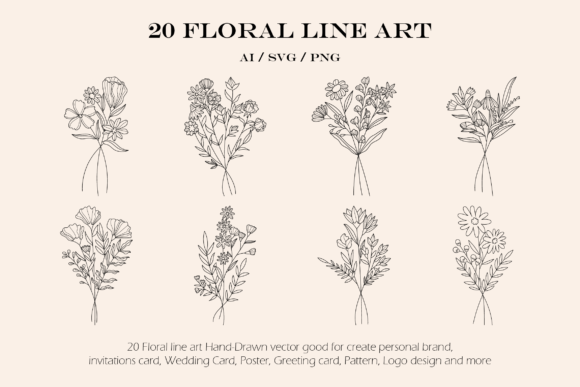
Understanding what you actually receive matters before you commit time to integrating new assets into your workflow. The pack centers on wreath compositions and frame arrangements that use autumn-specific botanical references. You will find leaves with serrated edges, acorns, berries, twigs, and floral clusters drawn with deliberate, unpolished linework. The hand drawn quality means uneven strokes, slight asymmetry, and organic spacing — exactly what you need when clean vector precision feels too sterile for a project about warmth and seasonality.
Where Autumn Wreath Vectors Fit in a Design Production Workflow
Digital asset packs sit in a middle layer of a production workflow. They are not the starting point — your brief, mood board, or client direction comes first. They are also not the final deliverable. Their role is to accelerate the assembly phase, the portion of a project where you build visual density and decorative structure around core messaging or typography.
When you open a new artboard for an autumn event flyer, you typically spend the first twenty minutes constructing framing elements. A circular wreath can anchor a headline. A floral corner frame can contain a coupon code or date block. A scattering of individual botanical elements can balance white space in a hero image composition. Having 100 pre-drawn options in vector format means you pull, scale, recolor, and arrange rather than sketch from scratch.
The process typically flows like this. You establish your document dimensions and color palette based on the brand or project requirements. You browse the asset collection to identify wreaths or frames that match your layout structure. You import the vector file, ungroup the elements if needed, and begin adjusting stroke weights and fill colors to align with your established palette. You position the wreath or frame on the artboard, then build your typography inside or around it. You duplicate and modify individual leaves or floral pieces to create custom compositions. The base asset becomes raw material rather than a finished, untouchable graphic.
File Format Selection and Software Compatibility
The inclusion of both .AI and .EPS formats addresses a practical reality in design work: not everyone uses the same software, and not every project happens in the latest version of Adobe Illustrator. The .AI file gives you full editability in Illustrator with layers, groups, and stroke properties intact. The .EPS file allows CorelDRAW users to import the artwork without conversion headaches, and it also works in Affinity Designer, Inkscape, and older Illustrator versions going back to Illustrator 10.
This backward compatibility matters more than it might seem. Print shops sometimes run legacy software. Freelance collaborators might use CorelDRAW as their primary tool. Educational environments often have mixed software installations. When you share project files that reference these assets, the .EPS format ensures your framing elements remain editable for anyone who needs to adjust them during production or prepress.
The .JPG files serve a different purpose. They function as quick reference thumbnails when you are browsing the collection outside of your vector software. You can scroll through the JPG directory in a file browser, find the wreath or frame you need, then open the corresponding vector file by name. This speeds up asset selection during the early layout phase when you are testing multiple compositional options.
Pre-Project Planning: Organizing Assets Before Deadlines Arrive
The usefulness of a 100-vector pack correlates directly with how well you organize it before you need it. Opening a folder of unnamed files in the middle of a project creates friction. Setting up a naming convention and folder structure once, before the seasonal rush begins, makes the collection function as an extension of your design library rather than a one-off download.
A practical approach involves three steps. First, open each vector file and save a version with a descriptive filename. A name like autumn-wreath-round-berries.ai tells you more than a default export number. Second, tag or group files by composition type: circular wreaths, corner frames, border strips, individual botanical elements, and cluster arrangements. This lets you filter by layout function when you are building a specific page structure. Third, create a swatch reference document that shows each element at a glance, which you can keep open as a floating window or second monitor reference while you work.
If you collaborate with a team, store the organized collection on a shared drive or cloud library with read access for everyone who produces marketing or editorial content. When a social media manager needs an autumn frame for a quote graphic, they grab the pre-organized asset rather than messaging the design team for a custom element. This reduces bottleneck requests and keeps non-design colleagues within brand consistency.
Matching Asset Style to Brand and Audience
Hand drawn vectors carry a specific visual personality. They signal approachability, craft, and human touch. Before integrating an autumn wreath or floral frame into client work, assess whether the line quality and botanical style align with the brand you are designing for. A law firm's quarterly newsletter probably should not feature loose, sketchy floral borders. A farm-to-table restaurant's seasonal menu absolutely should.
The autumn theme in this pack narrows the seasonal relevance, but also increases impact when used at the right time. September through November marketing calendars can draw from these assets repeatedly across email, social, print, and packaging. The hand drawn quality also crosses over well into industries like handmade goods, artisanal food, craft beverages, wedding planning, lifestyle blogging, and nature education. Understanding your audience's visual expectations helps you decide whether these wreaths and frames belong in the foreground as a featured element or in a supporting role as subtle texture.
During and After the Project: Editing, Repurposing, and Long-Term Use
Once a wreath or frame is placed in your layout, the vector format opens up extensive modification possibilities that raster graphics simply cannot match. You can change stroke colors to match a brand palette with two clicks. You can reduce opacity on a wreath and layer it behind text as a watermark-like texture. You can isolate individual leaves from a larger frame and repurpose them as bullet points, section dividers, or social media icon backgrounds.
Designers often overlook the value of partial extraction from complex vector compositions. A large circular wreath might contain eight distinct botanical elements. By ungrouping the composition and pulling out a single acorn cluster or a spray of leaves, you create a standalone element that works in a completely different project. Over time, you build a personal library of extracted pieces that originated from purchased packs but evolved into custom assets through repeated modification and recombination.
After a seasonal campaign ends, these assets do not become obsolete. Autumn wreaths work for Thanksgiving materials in the United States, but they also work for harvest festival promotions in other regions, autumnal wedding suites across multiple years, and even non-seasonal projects that need organic botanical framing. A floral frame with warm ochre and burgundy tones can be recolored to cool greens and blues and repurposed for spring or summer materials. The hand drawn linework does not change, but the color story shifts the seasonal perception.
Color Management and Output Considerations
The pack uses RGB color space, which is the standard for anything displayed on screens. Social media graphics, email headers, presentation decks, and website banners all live in RGB. If your project moves to print, you will need to convert colors to CMYK within your design software and check how the warm autumn reds, oranges, and browns translate. Some vibrancy will inevitably decrease during the conversion. Run a test print on your target paper stock if color accuracy matters for the final piece, especially for wedding stationery or high-end packaging where warm botanical tones are central to the design.
For print projects, the vector format becomes even more valuable. You can scale a wreath to fit an A7 invitation card or a 24-by-36-inch poster without any quality loss. The lines remain crisp at any size because they are mathematically defined paths, not pixel grids. This scalability means you buy the asset once and use it across a full campaign ecosystem, from tiny social media profile badges to large-format event signage.
Integrating with Other Tools and Design Systems
These autumn wreath vectors do not exist in isolation. They enter a design ecosystem that probably includes other asset libraries, template systems, and brand guideline documents. If you use Canva for quick-turn social graphics, you can import .EPS or .AI files into Canva Pro and use the wreaths alongside Canva's native elements and text tools. If you build client websites, you can export wreath elements as SVG files and use them as scalable background graphics or section dividers that load quickly and look sharp on retina displays.
For teams that maintain brand kits, adding a seasonal asset subfolder with these vectors extends the kit's usefulness without permanent commitment. The assets appear in seasonal templates and then retire to an archive folder until next year. Version control remains simple because the original purchased files stay untouched while working copies receive project-specific modifications.
Another integration point involves mockup workflows. When presenting autumn branding concepts to a client, you can place a wreath-based logo or floral frame header onto product mockups, stationery mockups, or screen mockups. The vector artwork renders cleanly at any resolution and angle within Photoshop or Illustrator mockup templates. Clients see the decorative elements in context, which improves approval speed and reduces revision cycles.
Consistency, Quality Control, and Avoiding Visual Clutter
The biggest risk with any large vector pack is overuse. When 100 hand drawn elements are available, the temptation exists to combine too many in one layout. Practical restraint produces better results. A single well-placed autumn wreath framing a headline creates a stronger visual impact than three wreaths, two corner frames, and scattered leaves competing for attention.
Establish a simple rule for each project: one primary framing element per layout, with secondary botanical accents used sparingly if the composition demands additional texture. This keeps the hand drawn quality feeling intentional rather than chaotic. It also protects the organic, crafted aesthetic that makes these assets appealing in the first place. Overcrowding undermines the warmth and approachability that the uneven linework delivers.
Quality control also involves checking stroke consistency across scaled elements. When you enlarge or shrink a vector wreath significantly, stroke weights scale proportionally by default in Illustrator and CorelDRAW. A wreath designed for a small corner accent might develop uncomfortably thick lines when scaled to full-page size. Check the Scale Strokes & Effects setting in your transformation preferences, or manually adjust stroke weights after resizing to maintain visual balance with the rest of your layout.
Long-Term Value and Reuse Across Projects
Vector assets differ from stock photos in one critical way: they age slowly. A photograph of autumn leaves from five years ago might look dated due to color grading trends or composition styles. A hand drawn botanical wreath tends to remain usable for much longer because the illustration style references botanical art traditions that span decades or centuries rather than current photography trends.
This longevity means the investment in a 100-vector autumn collection pays out over multiple seasonal cycles. Year one, you use the wreaths for a single client's fall campaign. Year two, you extract individual elements for a different project. Year three, you recolor the entire collection for a spring variation. Year four, you combine elements from this pack with a newer purchase to create hybrid compositions that feel fresh. The assets become raw material in your permanent design toolkit rather than single-use downloads.
For freelancers and small business owners who handle their own marketing, this repurposing approach reduces the annual cost of seasonal visual content. Instead of purchasing new autumn graphics every September, you reinvest in the existing library by finding new combinations, color treatments, and layout contexts. The 100 variations in the pack provide enough diversity to avoid repetition across email campaigns, social posts, blog headers, and print collateral within a single season.
The practical integration of autumn wreath and floral frame vectors into your design work ultimately depends on treating them as flexible building blocks rather than finished solutions. Organize them before you need them. Match them thoughtfully to brand and audience expectations. Modify color, scale, and composition to serve each specific project. Extract and recombine elements to extend their lifespan. File them properly when a season ends so they are ready when the calendar circles back. These habits transform a vector pack from a one-time download into a durable, productive asset that earns its place in your workflow year after year.